- To:
- everyone who reads email in the dark
- Subject:
- what Outlook does to your Note at night
- Sent:
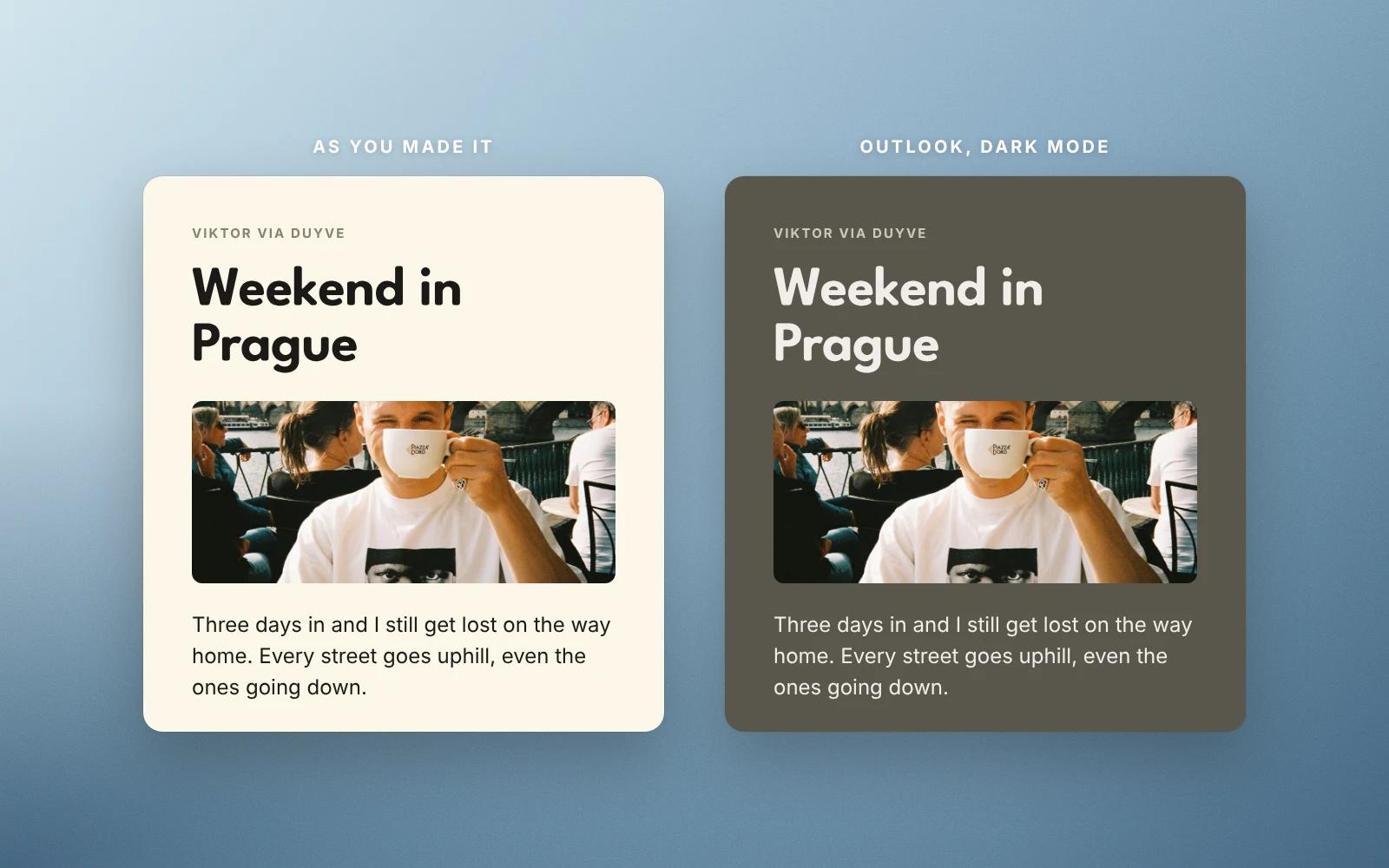
A Note is made to look a certain way, with your background colour, your typeface and your photos where you put them. Most inboxes show it exactly like that. Outlook in dark mode has its own ideas.
What we found
We sent test Notes to an Outlook mailbox and read what actually arrived, line by line. In dark mode Outlook rewrites the colours of every email. A cream background turns dark olive grey and dark text turns almost white. It does this by stamping its own colours over ours, and those always win.
Most of that is fine. The trouble was the paper texture. Some Notes have a light grain on the background, drawn as a small image that repeats. Outlook changed the colour underneath and left the grain alone, so the texture suddenly stood out as bright speckles on a dark page.
What we did
First we tried painting each section in a darker shade of its own colour. Outlook ignored that too and picked its own brown. So we stopped fighting it. When Outlook switches a Note to dark, the grain now steps aside and Outlook's colours take over cleanly. Your words stay real text, and every other inbox still gets the Note as you made it.
We've checked this in Outlook on the web. It's a small fix that most people will never notice, which is how it should be.